


Sakilis - UAE Road Map and Navigation Guide Sakilis
Sakilis
Dubai highway interchange from an overpass at noon, sign gantries receding into summer haze

Comparing the navigation apps drivers use in the UAE

Five apps are worth installing here. This page shows where each one holds up on UAE roads, where it struggles, and which suits your phone and the way you drive.

UAE road map and navigation guide

The short version first

RTA Smart Drive is the Dubai-first, offline-capable choice. Google Maps is the broadest live-traffic option. Apple Maps is the cleanest pick if you are on iPhone and don't want extra apps. Waze is for people who like crowd-sourced reports. Yango Maps is worth a look if you already use Yango services.

That is the summary. The rest of this page explains why each app lands where it does, because the details matter more than the ranking.

Dubai road authority
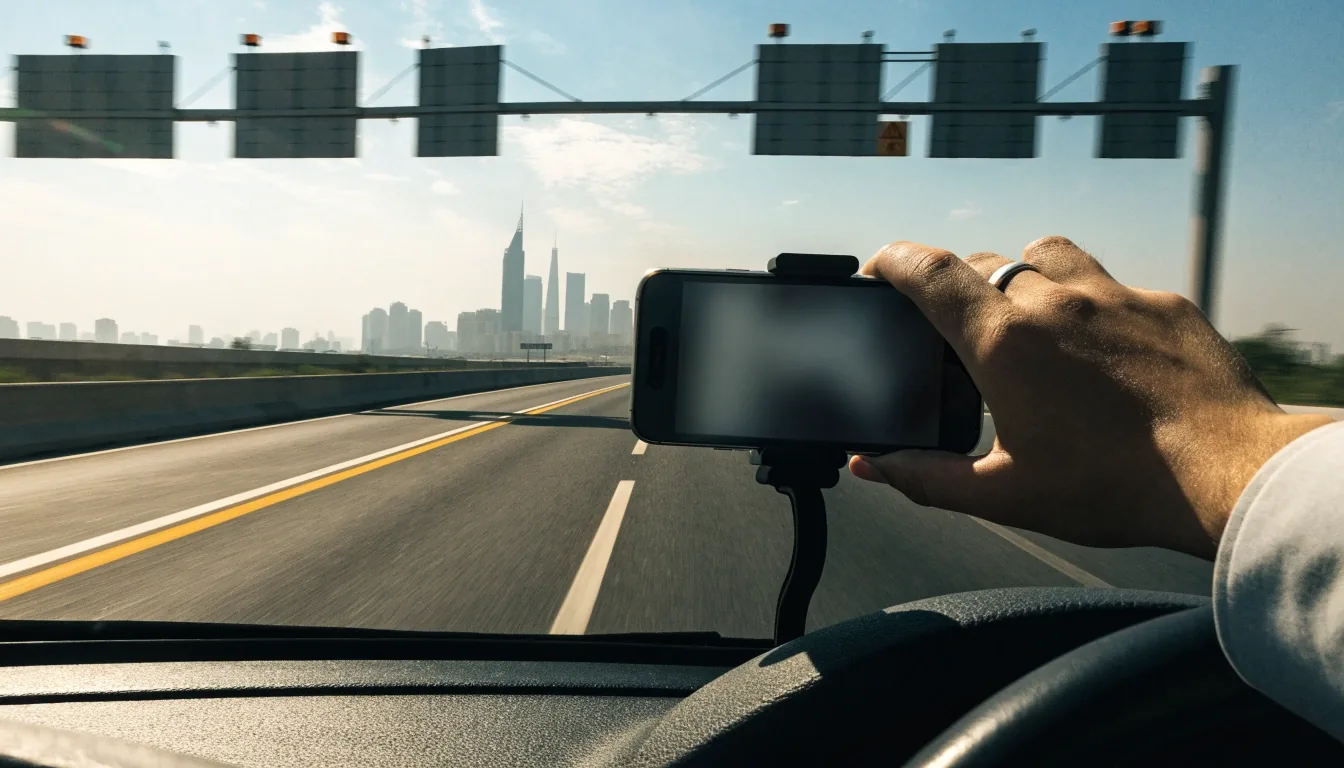
A driver's hand on the car console with a dark phone screen and a Dubai road ahead through the windscreen

RTA Smart Drive: built by the road authority

Offline by design

RTA Smart Drive is the Roads and Transport Authority's navigation app. Its defining trait is offline function: it works without a mobile internet connection, which is rare among mainstream navigation apps and useful on desert or intercity drives where signal thins out.

It provides turn-by-turn voice and visual directions, automatic rerouting when you leave the planned route, and speed limit alerts. Its Dubai map also carries Metro stations, Tram stops and Marine Transport locations, so the same app covers road and transit destinations inside the city.

The five apps, side by side

A quick read across the apps most UAE drivers actually keep installed. Offline capability is the column that separates them most in this market, so it sits first.

RTA Smart Drive

OfflineWorks offline
Live trafficRoad + transit
Best forDubai commuters

Google Maps

OfflineDownloaded regions
Live trafficWidest pool
Best forCross-emirate runs

Apple Maps

OfflineLimited
Live trafficFewer incident reports
Best foriPhone, one app

Waze

OfflineAssumes signal
Live trafficCrowd-sourced
Best forPeak-hour Dubai routes

Yango Maps

OfflineAssumes signal
Live trafficGrowing coverage
Best forExisting Yango users

Google Maps: the widest live picture

Google Maps is the default for a reason. It supports turn-by-turn driving directions across the UAE, and its live traffic layer draws on the largest pool of users, which usually means the most current picture of congestion in Dubai and Abu Dhabi.

It also handles offline map downloads, so you can keep a working map when data drops. For most mixed-emirate drivers, it is the safe primary app, with the caveat that its routing can over-prioritize small time savings. That habit shows up most on routes where a service road shortcut looks quicker on paper than it feels behind the wheel.

If you cross between Dubai, Sharjah and Abu Dhabi regularly, the live layer is where this app earns its place. It is also the one most likely to be installed on your phone already, which lowers the setup cost to almost nothing.

One app, fewer moving parts
Car dashboard at noon with a mounted phone turned away and a Dubai boulevard through the windscreen

Apple Maps: one app, fewer moving parts

Preinstalled on iPhone

Apple Maps supports turn-by-turn driving directions and is included among the commonly used navigation apps in Dubai. If you are on iPhone, it is already there, and it avoids the friction of switching between apps for maps, messages and calls.

It is often compared with Google Maps, Waze and Yango Maps, and for everyday UAE city driving it holds up. Where it can lag is in the density of live incident reports compared to Google's larger user base.

The honest read on Apple Maps is that it is a strong everyday app on iPhone and a weaker one for anyone who leans on incident reports during a bad commute. If your route is stable and your city is familiar, it does the job without asking anything of you. If your driving depends on knowing where the pile-ups are right now, you will likely keep a second app installed.

Waze: reports over polish

Waze's identity is crowd-sourced reporting. Drivers flag police, hazards, crashes and slowdowns, and those reports shape your route in near real time. In a city with as much traffic churn as Dubai, that can be genuinely useful.

The trade-off is a busier interface and a reliance on other users actually reporting. On quiet roads at quiet hours, its advantage shrinks. It is a strong second app rather than a universal first.

Crowd-sourced Live hazard reports Peak-hour value

Yango Maps: the newer option

Yango Maps is a newer entrant in the UAE navigation space, and it is most relevant if you already use Yango for rides or other services. It offers driving directions and fits into that existing app ecosystem.

It is not the app to switch to from scratch unless you have another reason to be in the Yango world. Worth knowing it exists, worth testing on your own routes before you commit.

Matching the app to the driver

The right choice depends on three things: where you drive, what phone you carry, and whether you trust crowds or authorities more. There is no universal answer, and pretending otherwise would just cost you time on the road.

Three questions

Where Dubai-only commuting, or routes that cross emirate lines.
Which phone iPhone gives you Apple Maps for free; Android users start with Google Maps.
Whose word Whether you trust an official road authority or a crowd of other drivers.

The Dubai-only commuter

You drive the same handful of routes most weeks, park in the same buildings, and occasionally need a Metro or Tram stop as a destination. RTA Smart Drive gets the most out of your day because the offline map and the transit layer are both built for this city.

The weekly intercity driver

Dubai to Abu Dhabi, Sharjah to Jebel Ali, occasional trips toward Al Ain. Google Maps is better served here because the live traffic layer covers more of the road network and the rerouting reacts to longer jams. Keep offline regions downloaded before a long run.

The iPhone user who dislikes clutter

Apple Maps is already on your home screen and it handles everyday city driving in the UAE. If you are content with fewer incident reports and want one app for maps, messages and calls, this is the pick. Add a second app later if your commute starts depending on live reports.

Offline capability, ranked

Offline function separates these apps more than any other single feature in the UAE. If your driving includes desert roads or stretches between cities, offline capability should weigh heavily in your choice.

  1. 01
    RTA Smart Drive Works without mobile internet by design.
  2. 02
    Google Maps Supports downloaded offline regions you prepare ahead of a trip.
  3. 03
    Apple Maps Offline support is more limited than the two above.
  4. 04
    Waze and Yango Maps Both assume you have a data connection while driving.

Setup cost, honestly

None of this is heavy. The real setup cost is deciding which app you will actually open when you are already late.

  • RTA Smart Drive Needs a download and a quick permissions pass.
  • Google Maps Likely already on your phone. Add offline regions if you drive outside cities.
  • Apple Maps Preinstalled on iPhone. Nothing to install.
  • Waze and Yango Maps Each needs an install and a short setup before the first drive.

Running two apps costs nothing but storage. It also gives you a second opinion when a route looks wrong, which happens.

Plenty of UAE drivers keep one primary and one backup. A common pairing is Google Maps for live traffic and RTA Smart Drive for offline Dubai routing. Another is Apple Maps day to day with Google Maps for long intercity runs.

Before you commit
An empty UAE toll lane at midday with an overhead gantry crossing the frame

Test before you commit

A short test route

Before you decide which app gets the home screen, run each candidate on a route you already know by heart. You will spot immediately whether the voice guidance annoys you, whether the rerouting matches your instincts, and whether the map reads clearly at a glance in real traffic.

Pay attention to three things on the test drive: how quickly the app recalculates when you deliberately miss a turn, whether the lane guidance is legible without reading it twice, and whether it keeps working in a car park or an underground exit where signal drops. Those three moments decide most of the practical value of any navigation app in the UAE.

The other thing worth checking is what the app does with a route you did not ask for. Some will quietly nudge you onto a service road or a side street to save a minute, which is fine if you know the area and less fine if you do not. If you drive unfamiliar routes often, this habit matters more than the raw traffic picture.

Questions drivers ask before choosing

Which app should a Dubai-only driver install first?

RTA Smart Drive, because it works offline and maps Dubai's road, Metro, Tram and Marine Transport network in one place. Add Google Maps if you want a second live traffic opinion.

Is Google Maps better than Apple Maps in the UAE?

Google Maps generally has a larger live traffic and incident data pool. Apple Maps is smoother if you are on iPhone and prefer one app. Both handle UAE driving directions well.

Do I need Waze if I already use Google Maps?

Not strictly. Waze's advantage is crowd-sourced reports. If you drive busy Dubai routes at peak hours, it can add value as a second app. Otherwise Google Maps covers the same ground.

Which app keeps working when the signal drops?

RTA Smart Drive is the one built to work without a mobile data connection. Google Maps works if you have downloaded the offline regions in advance. Apple Maps offers more limited offline support, and Waze and Yango Maps both assume you have a connection while driving.

Where to go next

If you have picked an app from the comparison above, the next useful step is setting it up properly for UAE driving. The guides below cover the two setup jobs most drivers need: the RTA Smart Drive install and the offline map downloads that keep any app working outside strong signal.