

Using live traffic and roadworks alerts in the UAE
Traffic in the UAE changes hour to hour. Here is how to read the live picture before you leave, and how to change your departure time or your route when it turns bad.
Jump to the daily habitBefore you leave
A snapshot, not a forecast
Live traffic layers show current speeds and congestion on the road network, drawn from the movement of other drivers using the same app. In Dubai and Abu Dhabi, that data is dense enough to be useful during peak hours, which is when the reading changes fastest and matters most.
What a live layer tells you is what is happening now. That is exactly what you need when you are about to leave and want to know whether the usual route is still the sensible one. It cannot tell you what the road will look like in forty minutes, so treat the reading as a decision input rather than a promise.
Roadworks
When the road itself changes
Roadworks change the road itself, not just the traffic on it. Lane closures and diversions can turn a familiar route into something you do not recognise, and they last for weeks rather than hours.
Roadworks alerts flag those changes before you meet them. Checking them pays off most on routes you drive regularly, because that is exactly where you have stopped expecting surprises. A diversion you discover at the last moment costs more time than a two-minute check the night before.
Treat alerts as a maintenance habit rather than a rescue. Add a weekly look at the corridors you use most, and re-check when a project near your usual turning appears. If you drive inter-emirate, the same check applies to the motorway stretch between cities.
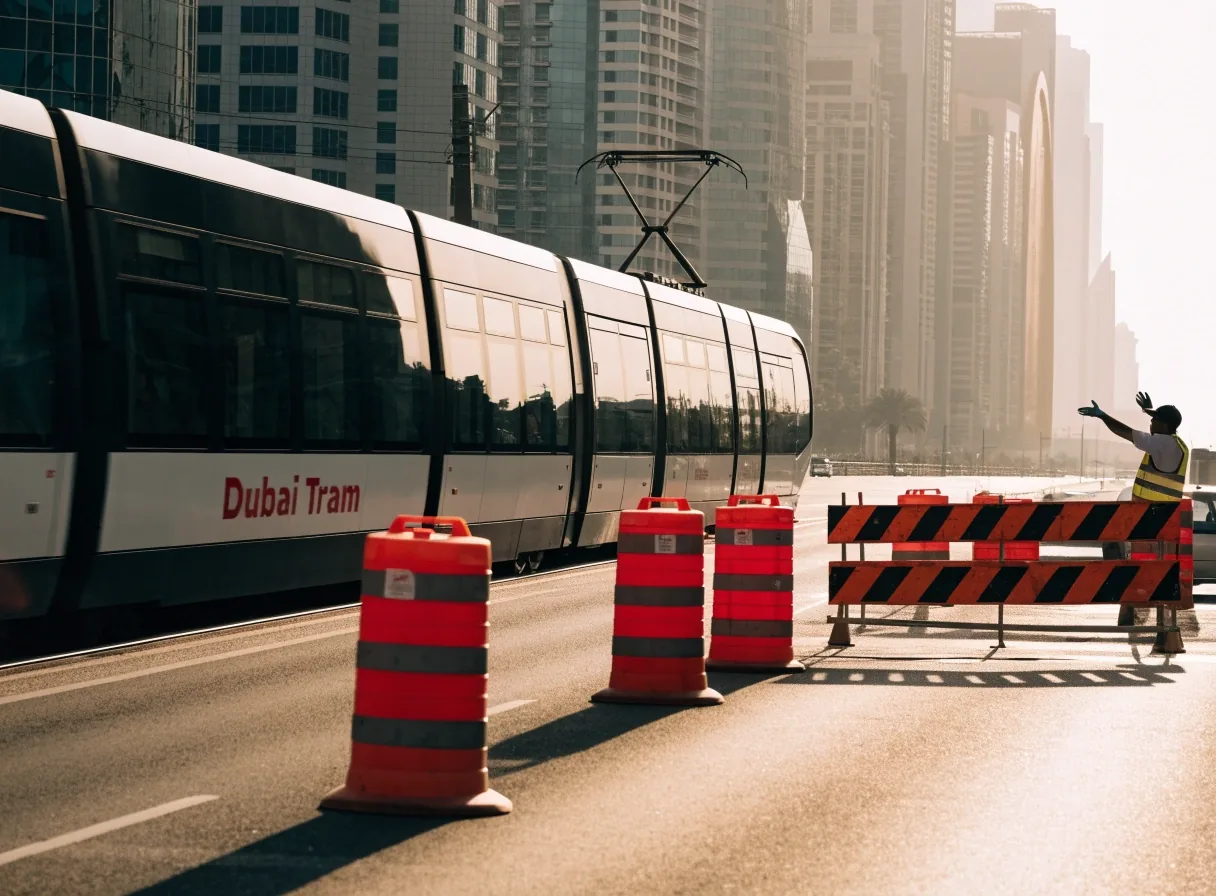
Lane closures and diversions are the alerts worth checking on the routes you already know by heart.
Google Maps
The largest live traffic pool in the UAE
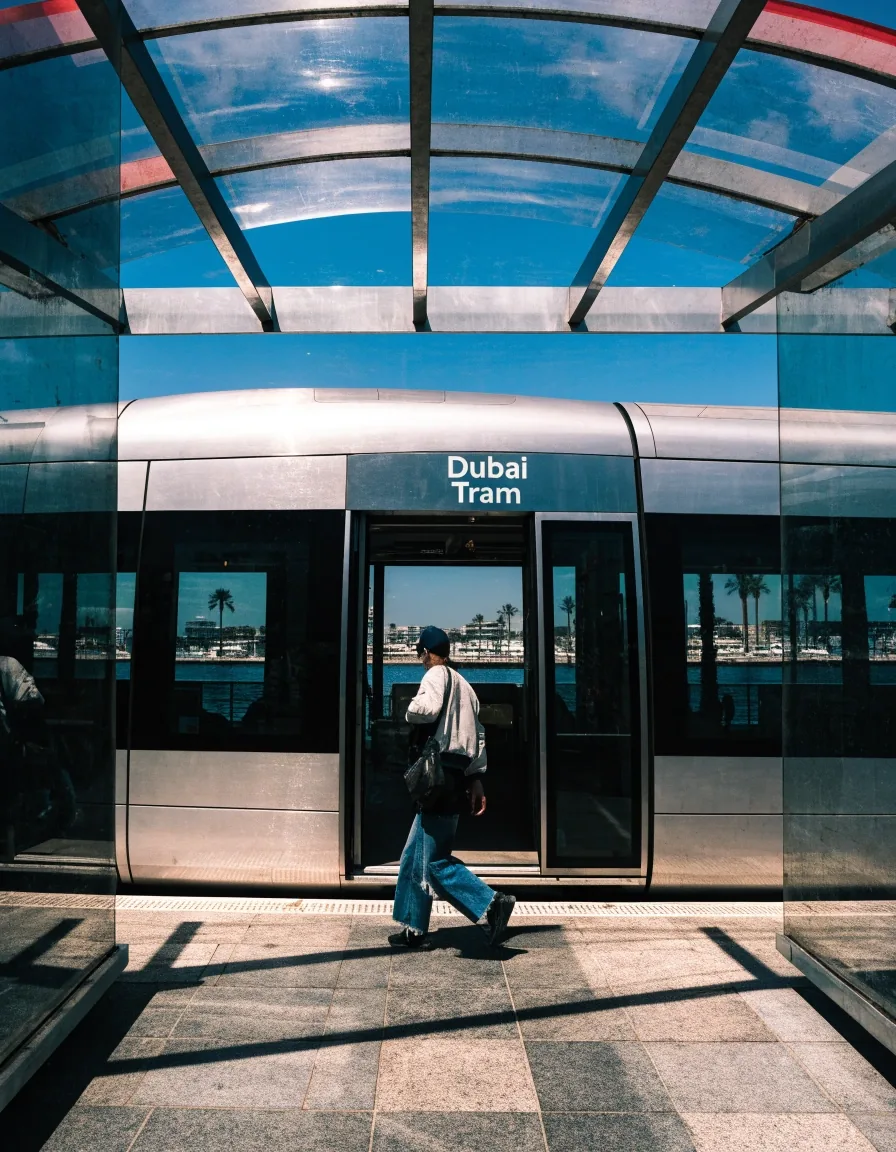
Google Maps has the largest live traffic data pool in the UAE, which generally makes it the strongest single source for congestion. It supports turn-by-turn directions that update as conditions change, so the guidance you get at 7:40 is not the guidance you got at 7:00.
Its routing can be aggressive about small time savings, so it is worth glancing at the route it picks rather than following blindly. A detour that saves two minutes through three unfamiliar turns is a poor trade if you are driving somewhere new. The traffic layer itself is the valuable part.
Waze
Crowd-sourced reports, and their limit
Waze builds its live layer from its users, who report crashes, hazards, police and slowdowns. In a city with as much traffic churn as Dubai, that can surface things a purely speed-based system misses, because a person on the road noticed something a sensor reading cannot name.
The catch is that it depends on people reporting. On quiet roads at quiet hours, its edge over Google Maps shrinks, and a stale report can sit on the map long after the hazard cleared. Many drivers run one app as primary and the other as backup rather than choosing between them permanently.
The decision point is before departure
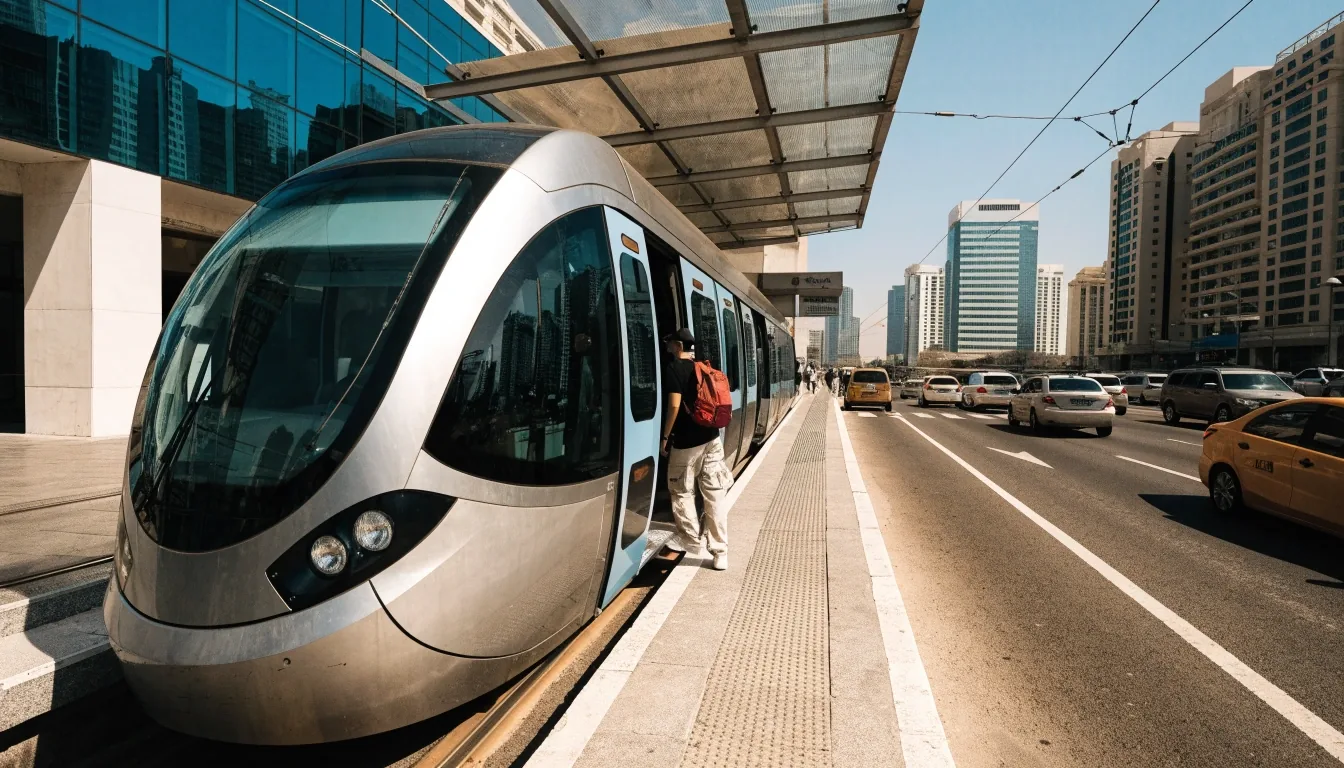
Once you are moving, the app handles turn-by-turn directions and rerouting. What it cannot do for you is leave earlier, or pick the alternative you have never driven. That part of the plan is yours, and it takes about two minutes.
Changing departure time
The most effective traffic tool is not a route change, it is a time change. Leaving twenty minutes earlier often does more than any rerouting, because it moves you ahead of the build-up rather than through it. You arrive on the same road, in the same car, with the queue behind you instead of around you.
If you drive the same route daily, note when it starts to slow and when it clears. That pattern is more reliable than any single day's live reading, and it survives app updates, roadworks and the odd bad morning.
Changing route
Route changes work best when you already know the alternatives. In Dubai that often means knowing whether your trip uses the E11 or the E311, and inside the city, which parallel roads actually connect rather than dead-ending at a service road.
Live traffic helps you choose between options you already know. It is far less useful when you have no idea what the alternative is, which is where reading up on the road network beforehand pays off.
Read the Salik and inter-emirate driving guideReliability layer
RTA Smart Drive and rerouting
RTA Smart Drive recalculates automatically when you leave the planned route, so a missed turn does not become a stopped car on the hard shoulder.
It also shows speed limit alerts, which is a different kind of live information: not where the traffic is, but what the current limit on this stretch happens to be. On roads where the posted limit changes with the time of day, that is genuinely useful.
Where it earns its place
- Automatic rerouting keeps working when you take a wrong exit, without you typing anything.
- Speed limit alerts give you the current limit rather than the one you remember.
- Offline mode keeps the map and your position when data drops. It will not carry live traffic, so treat it as the floor under a live-traffic plan, not a replacement for one.
The sensible setup is a live app for the current picture, plus an offline-capable one for the moments the signal disappears in a tunnel, an underground car park or a stretch with weak coverage. If you want to set that up properly, the offline maps walkthrough covers the download step.
The routine
A workable daily habit
Four steps, two minutes, before you start the engine. Then let the app take over.
-
Check the route
Look before you leave
Open the traffic layer on your usual path while you are still at home, not after you have started the car.
-
Check the works
Scan the alerts
Look for roadworks alerts along the same path. A lane closure changes the road, not just the speed on it.
-
Decide
Time or route
If the picture is bad, choose: leave earlier, or take a known alternative. Pick one before you pull out.
-
Drive
Let the app work
Once moving, follow turn-by-turn directions and let rerouting handle anything that changes en route.
Frequently asked
Questions drivers ask most
Which app has the strongest live traffic in the UAE?
Google Maps generally has the largest live traffic data pool in the UAE. Waze adds crowd-sourced incident reports on top of the speed picture. Both are useful, and many drivers run one as primary and the other as backup.
Do roadworks alerts show lane closures?
Roadworks alerts flag changes to the road itself, including closures and diversions. They are most valuable on routes you drive regularly, where you have stopped expecting surprises and where a closure would otherwise cost you the whole margin you built in.
Does offline navigation show live traffic?
No. Offline mode gives you the road network and your position without a connection. Live traffic requires an online app, so plan the two together rather than expecting one to cover both jobs.

Keep reading on Sakilis
Next: compare the apps, then set up for the bad days
Two pages do most of the work here. The comparison puts the live layers side by side, and the offline walkthrough means a tunnel or a dead zone does not end your guidance.
Questions about a specific route or a recurring delay? Reach us at [email protected] or call +971 4 518 1085, Monday to Friday, 9:00 AM – 6:00 PM.